LayoutBox
Defines layout dimensions and origin for UI positioning. Supports both fixed dimensions and dynamic dimensions from render components.
Basic Usage
local ui = require("tecs2d.ui")
local LayoutBox = ui.LayoutBox

-- Fixed dimensions (centered by default)
world:spawn(
    Transform(100, 100),
    Rectangle(50, 30),
    LayoutBox(50, 30)
)

-- Dynamic dimensions from a render component
world:spawn(
    Transform(100, 100),
    Rectangle(50, 30),
    LayoutBox(Rectangle)  -- Pulls width/height from Rectangle
)

-- Top-left origin (for UI elements)
world:spawn(
    Transform(100, 100),
    Rectangle(50, 30),
    LayoutBox(Rectangle, nil, 0, 0)  -- originX=0, originY=0
)
Fields
| Field | Type | Description |
|---|---|---|
width | number | Width of the entity for layout |
height | number | Height of the entity for layout |
offsetX | number | Computed offset from origin |
offsetY | number | Computed offset from origin |
originX | number | Origin X (0-1). 0=left, 0.5=center, 1=right |
originY | number | Origin Y (0-1). 0=top, 0.5=center, 1=bottom |
sourceComponentId | integer | Component to pull dimensions from (0=fixed) |
Origin System
The origin determines where the entity's reference point is:
(0.5, 0.5)- Centered (default, backward compatible with games)(0, 0)- Top-left (typical for UI elements)(1, 1)- Bottom-right(0, 0.5)- Left-center
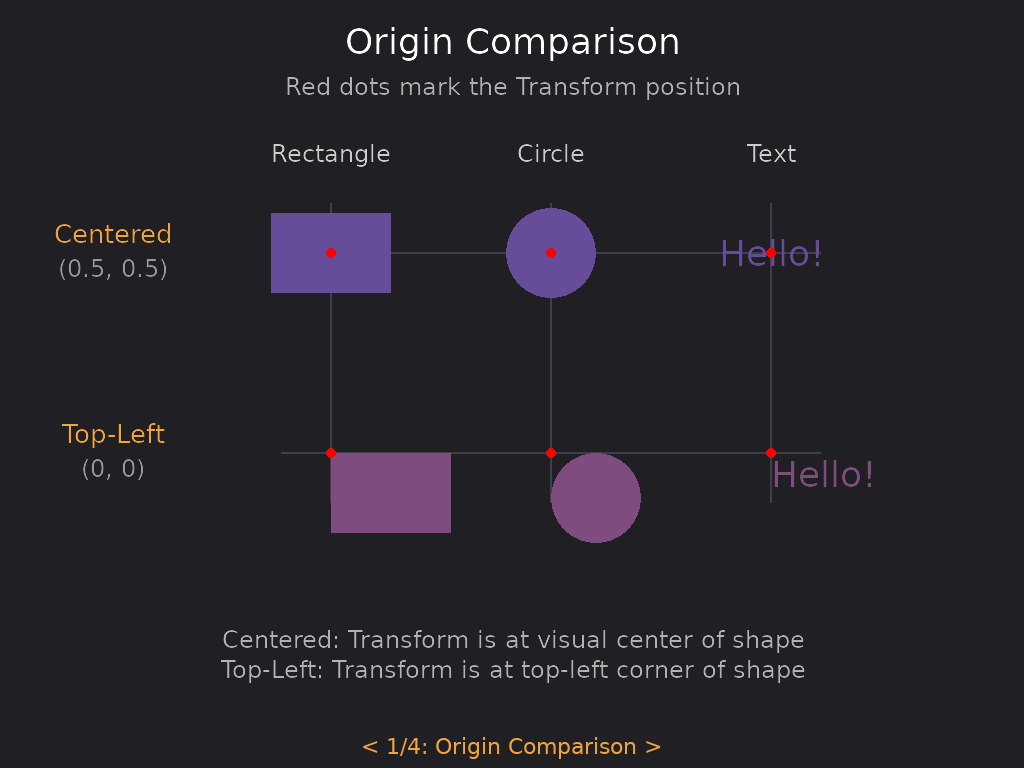
See the tecs-ui example.
The red dots mark the Transform position. With centered origin (top row), the Transform is at the visual center of each shape. With top-left origin (bottom row), the Transform is at the top-left corner.
-- Centered origin (default)
LayoutBox(100, 50)            -- originX=0.5, originY=0.5
LayoutBox(Rectangle)          -- originX=0.5, originY=0.5

-- Top-left origin
LayoutBox(100, 50, 0, 0)      -- originX=0, originY=0
LayoutBox(Rectangle, nil, 0, 0)

-- Custom origin
LayoutBox(100, 50, 1, 0.5)    -- right-center
When using LayoutBox(Rectangle) or similar, the component's getRect() provides dimensions, and the offset is computed from the origin you specify.
Dynamic Dimensions
LayoutBox can automatically extract dimensions from any component that implements getRect():
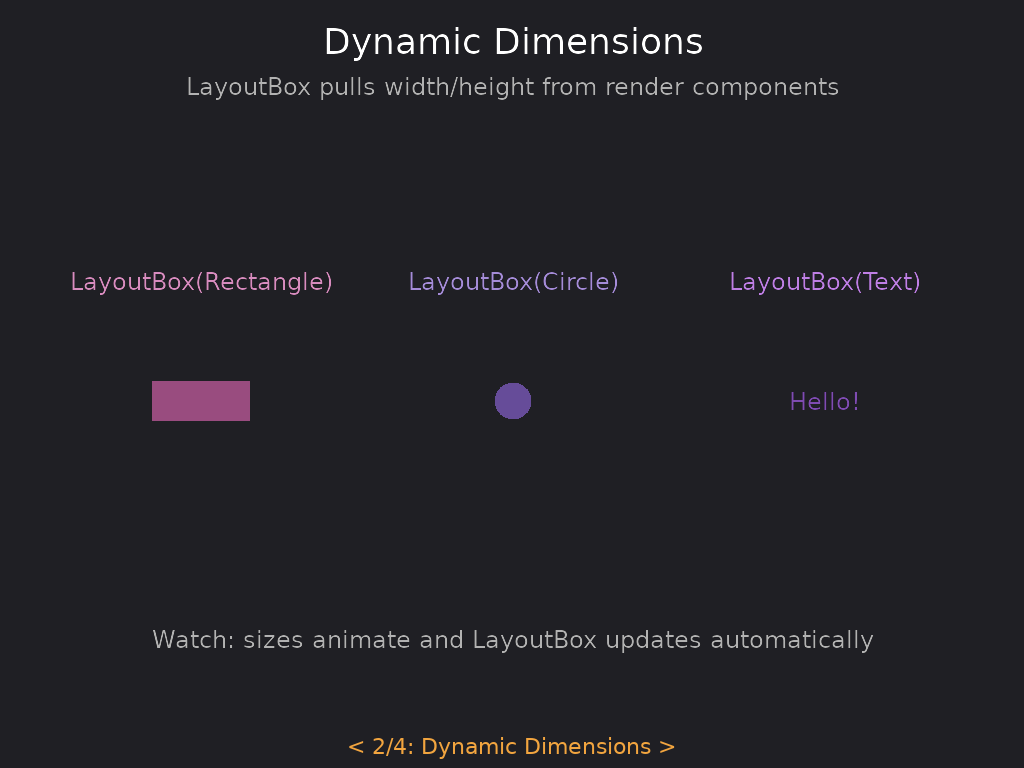
See the tecs-ui example.
-- These all work:
LayoutBox(Rectangle)
LayoutBox(Circle)
LayoutBox(Text)
LayoutBox(Sprite)
The dimensions are updated each frame by the ComputeLayoutBox system, so changes to the source component are reflected automatically. This is useful for animated elements or text that changes at runtime.