# 3D rendering
A perspective camera maps a right-handed 3D world to one viewport. World +X
points right, +Y points up, and the default camera looks along -Z. Camera
orientation is a quaternion in `(x, y, z, w)` order that turns camera-local
coordinates into world coordinates.
```nupp
const camera = tecs.gfx.newCamera3D({y = 2, z = 6, verticalFov = math.rad(60)})
const lighting = tecs.gfx.meshes.newLighting()
lighting.shadows = true
world:spawn(tecs.gfx.View({camera3D = camera, lighting = lighting}))
```
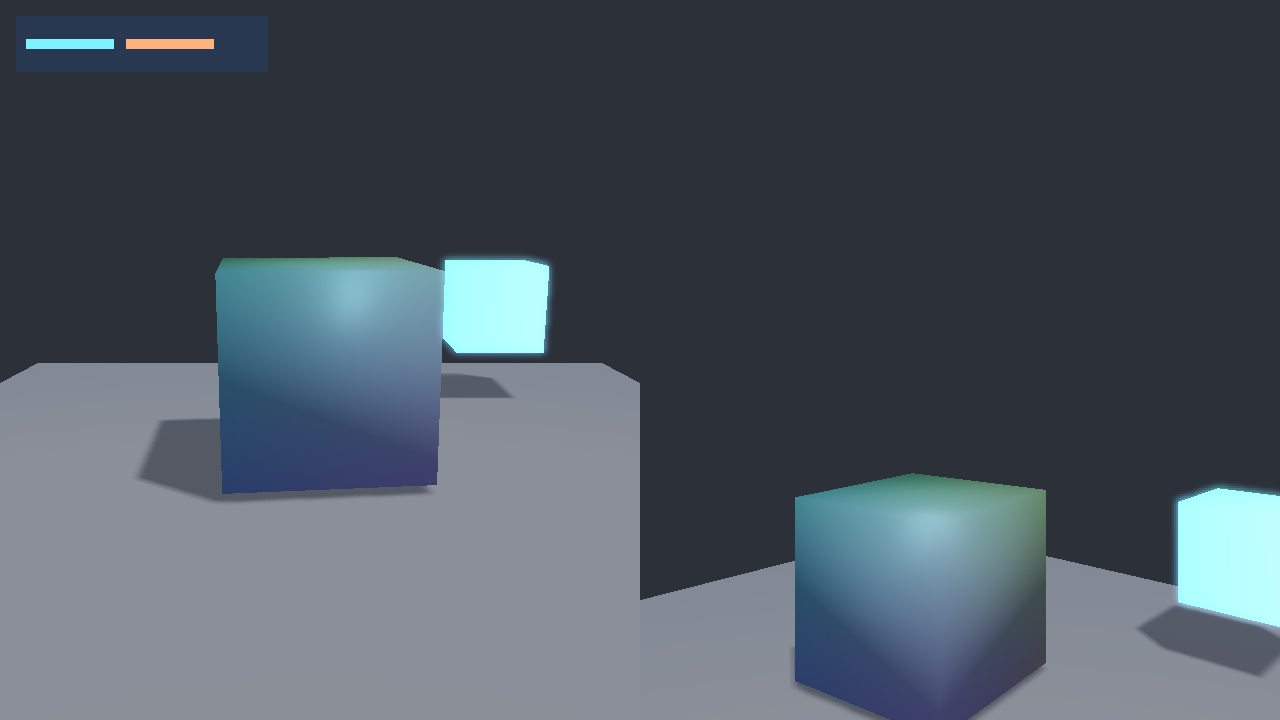
`View` connects a camera and lighting settings to a viewport. A mixed 2D/3D
view renders meshes behind sprites; an additional 2D view can place a HUD over
several 3D cameras. See [Views](views.md) and the original split-screen scene:
```sh
nupp task ex-scene3d
```
 ## Models and authored geometry
The [model API](tecs.gfx.models) carries the complete load, instantiate, spawn,
bind and animate recipe. Each instance owns its joint palettes, morph weights
and primitive templates. Copies share geometry, materials, textures, morph
deltas and clips while playing independently.
A drawable primitive combines `Transform3D`, `Mesh`, `Bounds3D`, `MeshMaterial`,
`Tint` and `Renderable3D`. Skin and morph components add the deformation data.
`models.newMesh` accepts the original twelve-float vertices: position XYZ,
normal XYZ, tangent XYZW and UV. Triangle indices are zero-based. Optional RGBA
vertex colors remain a separate stream. Procedural skinning supplies four joint
indices and four weights per vertex; `MeshSkin` carries column-major matrices.
Bounds remain caller-owned and must enclose every animated pose. Morphing runs
before skinning. Animation samples the file's base transform, applies the
selected clip, builds world matrices in parent order and updates the bound
components and instance-owned palettes. Static instances retain their buffers.
```sh
nupp task ex-gltf3d
nupp task ex-skinning3d
nupp task ex-morph3d
nupp task ex-animated3d
```
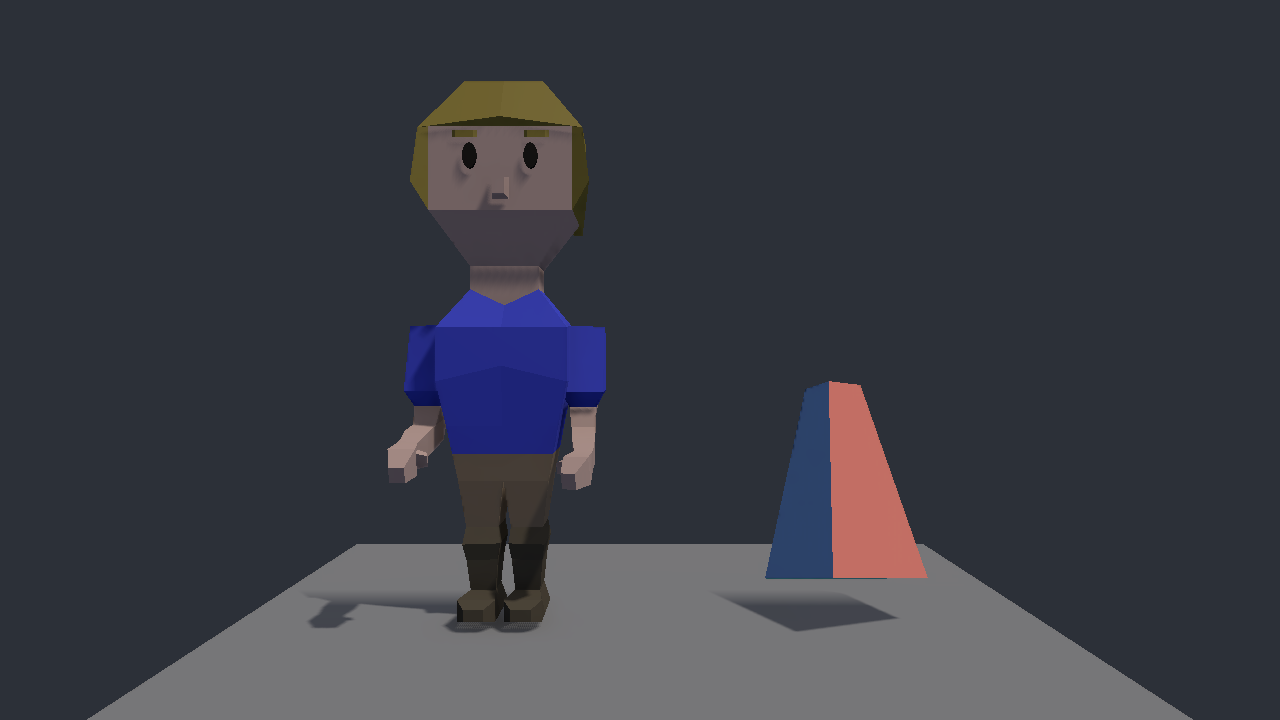
The animated scene uses the original CC0 hero and colored morph cube. O toggles
ambient occlusion; F12 saves `animated3d.png`. In every 3D demo, click to capture
the pointer, use WASD to move, Q/E for height, Shift to sprint and Tab to release.
## Models and authored geometry
The [model API](tecs.gfx.models) carries the complete load, instantiate, spawn,
bind and animate recipe. Each instance owns its joint palettes, morph weights
and primitive templates. Copies share geometry, materials, textures, morph
deltas and clips while playing independently.
A drawable primitive combines `Transform3D`, `Mesh`, `Bounds3D`, `MeshMaterial`,
`Tint` and `Renderable3D`. Skin and morph components add the deformation data.
`models.newMesh` accepts the original twelve-float vertices: position XYZ,
normal XYZ, tangent XYZW and UV. Triangle indices are zero-based. Optional RGBA
vertex colors remain a separate stream. Procedural skinning supplies four joint
indices and four weights per vertex; `MeshSkin` carries column-major matrices.
Bounds remain caller-owned and must enclose every animated pose. Morphing runs
before skinning. Animation samples the file's base transform, applies the
selected clip, builds world matrices in parent order and updates the bound
components and instance-owned palettes. Static instances retain their buffers.
```sh
nupp task ex-gltf3d
nupp task ex-skinning3d
nupp task ex-morph3d
nupp task ex-animated3d
```
The animated scene uses the original CC0 hero and colored morph cube. O toggles
ambient occlusion; F12 saves `animated3d.png`. In every 3D demo, click to capture
the pointer, use WASD to move, Q/E for height, Shift to sprint and Tab to release.
 ## Materials and textures
Mesh materials select metallic-roughness Cook-Torrance, unlit or Lambert
shading with `models.MATERIAL_*`. Lambert keeps matte direct light independent
of the viewer while sharing texture, normal, occlusion, fog, shadow and local
light handling with the PBR path.
`models.newMaterial` authors a shared material independently of geometry.
It accepts base color, normal, metallic/roughness, occlusion and emission maps.
An import-time `models.load` material callback can tune a scene before upload,
as the original Sponza and Bistro examples do for converted materials.
Opaque and masked primitives write depth. Blended primitives use one global GPU
sort across materials and geometry, back to front with entity ID breaking ties.
Mirrored transforms reverse the front-face winding. Double-sided materials
render both faces. Culling and indexed indirect commands remain on the GPU.
RGBA images generate their mip chains on the GPU after upload. SVG images are
rasterized by the asset service. Prepared BC3 KTX2 textures retain their complete
compressed mip chains in GPU memory. Color and linear material maps share
storage with the appropriate sampling views.
## Lighting, shadows and ambient occlusion
[`Lighting`](tecs.gfx.meshes.Lighting) belongs to a view. It configures a
directional source, ambient irradiance, linear camera-distance fog, shadows,
SSAO and image-based lighting. `PointLight3D` and `SpotLight3D` are entities,
positioned by `Transform3D`; spotlights point along its local negative Z.
Lights are binned into screen tiles for each view.
Directional shadows use three camera-frustum cascades. Each light-space center
snaps to shadow texels so camera translation does not slide the sampling grid
under stationary geometry. Opaque and masked meshes cast; all material modes
receive. Cascade distance, split blending, depth padding, bias and PCF softness
are adjustable.
Local shadows use six faces per point light and one per spotlight. Set
`lighting.localShadows = true` and give the light `LIGHT_CASTS_SHADOWS`.
The configured capacity limits how many lights receive atlas slots.
```sh
nupp task ex-shadows3d
```
## Materials and textures
Mesh materials select metallic-roughness Cook-Torrance, unlit or Lambert
shading with `models.MATERIAL_*`. Lambert keeps matte direct light independent
of the viewer while sharing texture, normal, occlusion, fog, shadow and local
light handling with the PBR path.
`models.newMaterial` authors a shared material independently of geometry.
It accepts base color, normal, metallic/roughness, occlusion and emission maps.
An import-time `models.load` material callback can tune a scene before upload,
as the original Sponza and Bistro examples do for converted materials.
Opaque and masked primitives write depth. Blended primitives use one global GPU
sort across materials and geometry, back to front with entity ID breaking ties.
Mirrored transforms reverse the front-face winding. Double-sided materials
render both faces. Culling and indexed indirect commands remain on the GPU.
RGBA images generate their mip chains on the GPU after upload. SVG images are
rasterized by the asset service. Prepared BC3 KTX2 textures retain their complete
compressed mip chains in GPU memory. Color and linear material maps share
storage with the appropriate sampling views.
## Lighting, shadows and ambient occlusion
[`Lighting`](tecs.gfx.meshes.Lighting) belongs to a view. It configures a
directional source, ambient irradiance, linear camera-distance fog, shadows,
SSAO and image-based lighting. `PointLight3D` and `SpotLight3D` are entities,
positioned by `Transform3D`; spotlights point along its local negative Z.
Lights are binned into screen tiles for each view.
Directional shadows use three camera-frustum cascades. Each light-space center
snaps to shadow texels so camera translation does not slide the sampling grid
under stationary geometry. Opaque and masked meshes cast; all material modes
receive. Cascade distance, split blending, depth padding, bias and PCF softness
are adjustable.
Local shadows use six faces per point light and one per spotlight. Set
`lighting.localShadows = true` and give the light `LIGHT_CASTS_SHADOWS`.
The configured capacity limits how many lights receive atlas slots.
```sh
nupp task ex-shadows3d
```
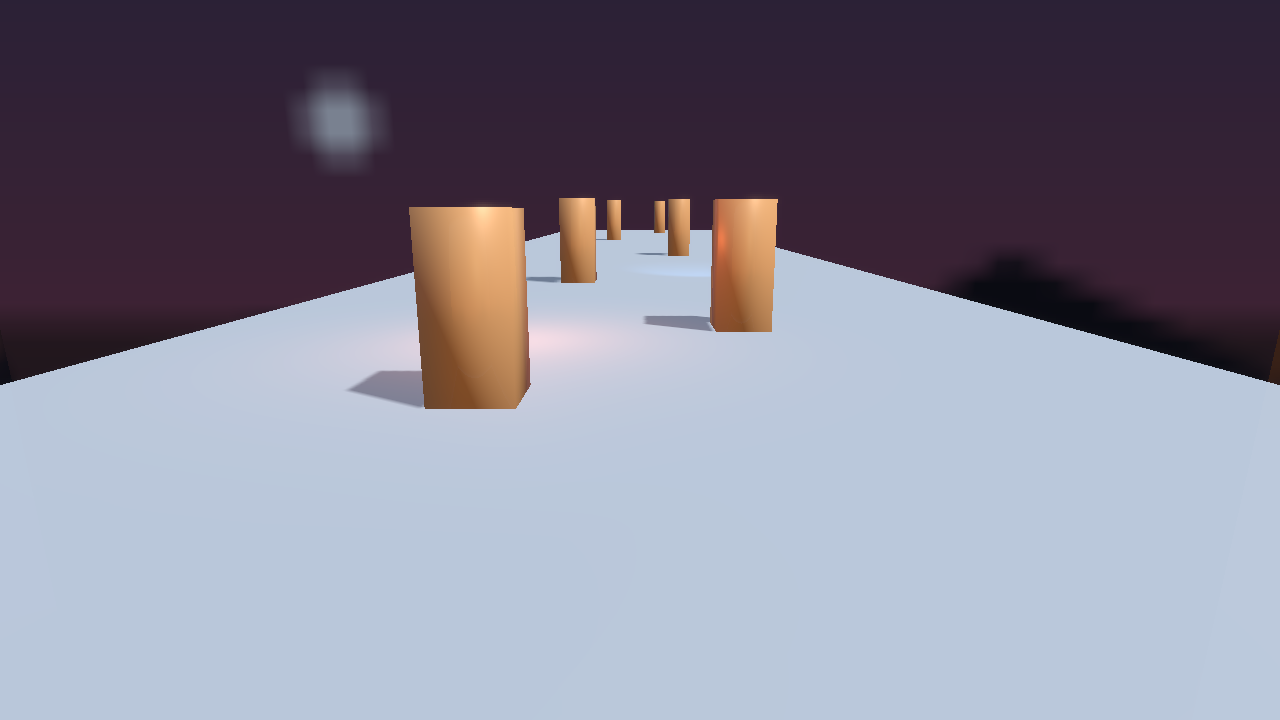 SSAO reconstructs opaque positions from depth, evaluates a world-anchored
hemisphere kernel and applies an edge-aware blur. It darkens only ambient light;
it does not change direct light, transparent meshes or sprites. Its targets are
allocated only when enabled.
## Ambient probes and environments
An ambient cube holds six world-space RGB irradiance faces. Squared normal axes
blend the positive/negative X, Y and Z faces. A separate six-layer mipmapped
environment supplies roughness-dependent specular reflections and the sky.
`models.loadEnvironment` takes face paths in +X, -X, +Y, -Y, +Z, -Z order.
Reflection intensity, sky intensity and Y rotation are independent controls.
```sh
nupp task ex-ibl3d
```
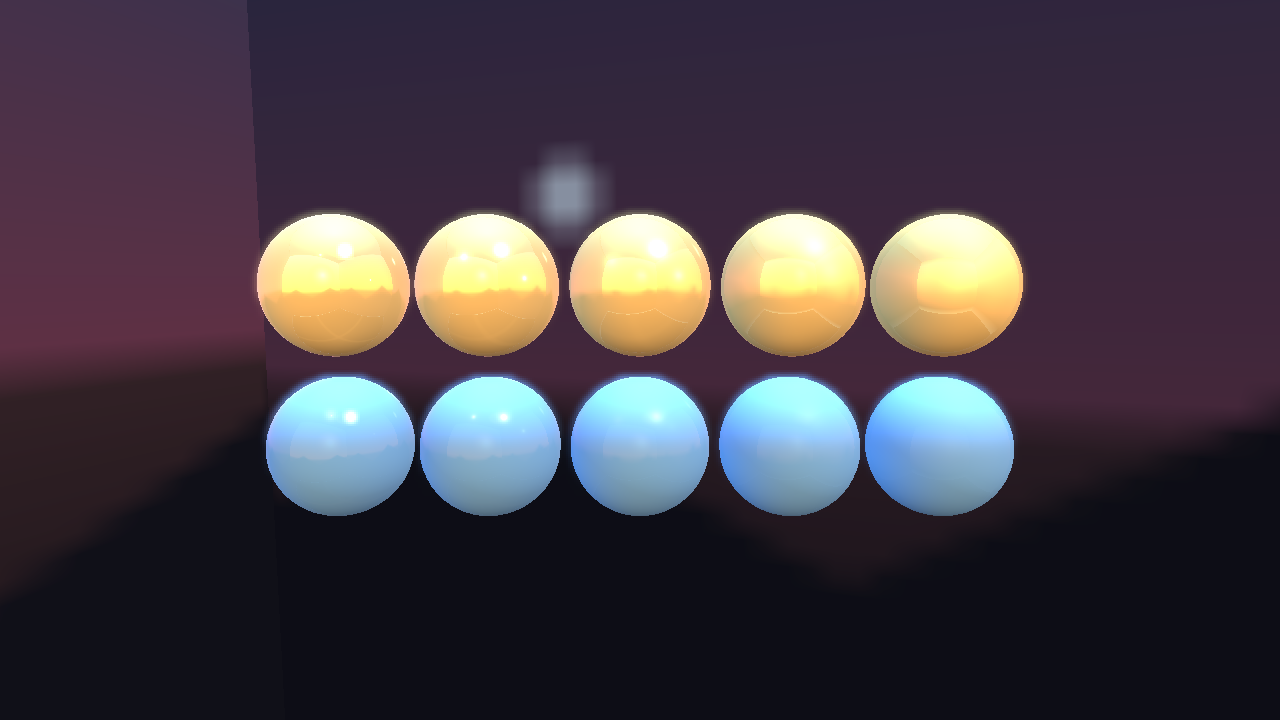
This restores the original gold and blue sphere rows, roughness progression,
colored point lights and six CC0 SVG environment faces.
SSAO reconstructs opaque positions from depth, evaluates a world-anchored
hemisphere kernel and applies an edge-aware blur. It darkens only ambient light;
it does not change direct light, transparent meshes or sprites. Its targets are
allocated only when enabled.
## Ambient probes and environments
An ambient cube holds six world-space RGB irradiance faces. Squared normal axes
blend the positive/negative X, Y and Z faces. A separate six-layer mipmapped
environment supplies roughness-dependent specular reflections and the sky.
`models.loadEnvironment` takes face paths in +X, -X, +Y, -Y, +Z, -Z order.
Reflection intensity, sky intensity and Y rotation are independent controls.
```sh
nupp task ex-ibl3d
```
This restores the original gold and blue sphere rows, roughness progression,
colored point lights and six CC0 SVG environment faces.
 ## Large scenes
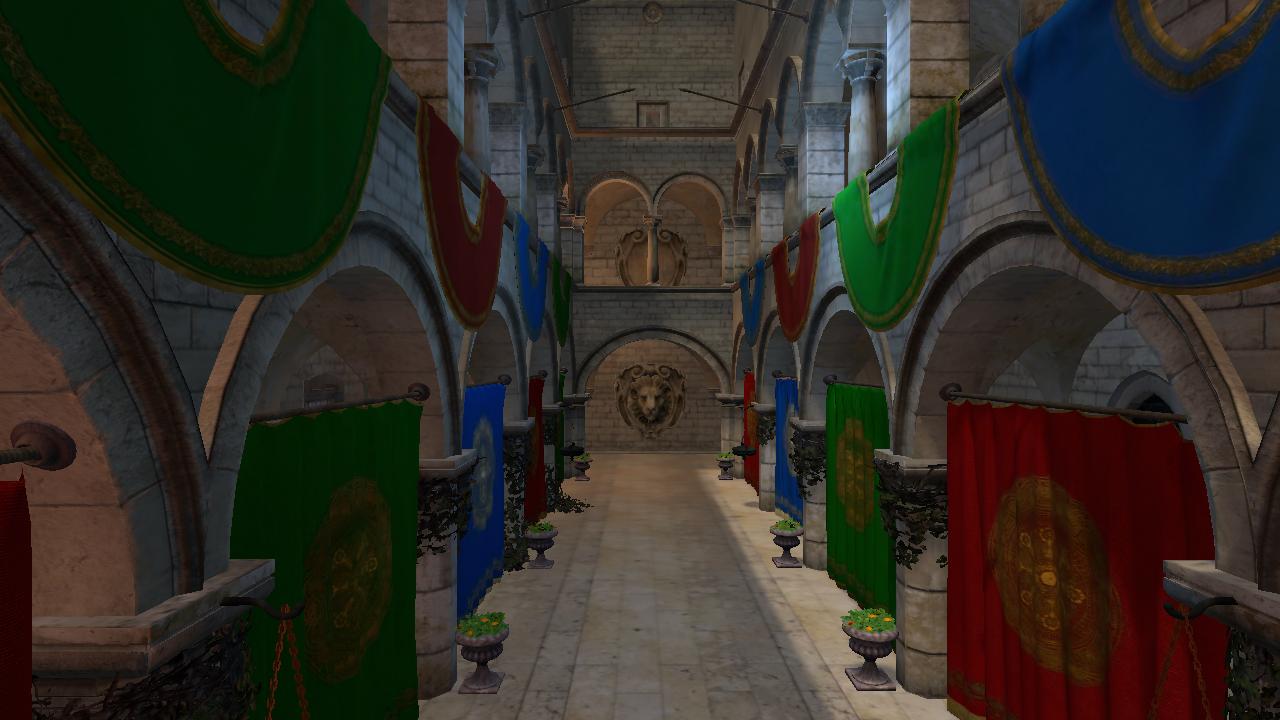
The original scene preparation remains a separate, cached step:
```sh
nupp task fetch sponza
nupp task ex-sponza3d
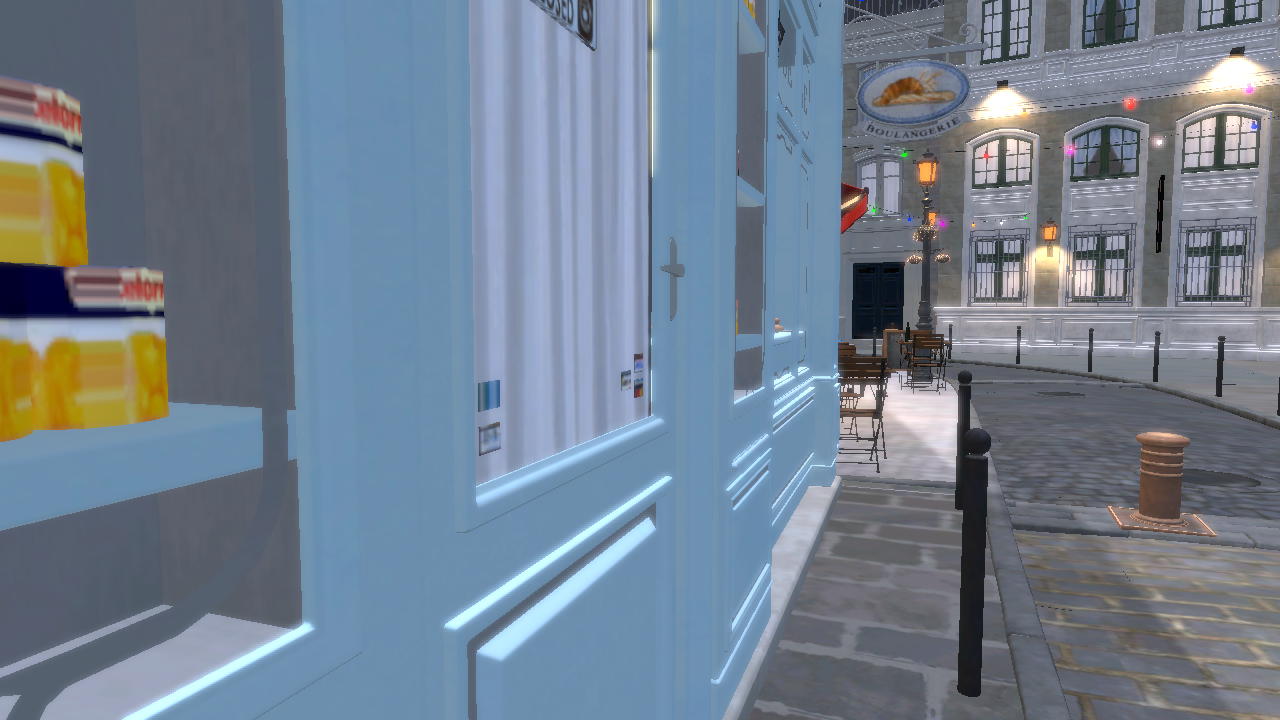
nupp task fetch bistro
nupp task ex-bistro3d
```
Fetching needs Git and curl. Bistro's optional Draco decoder also needs CMake
and a C++ compiler when built for the first time. Its pinned source download is
about 986 MB. Prepared files and source notices live under the ignored
`assets/external` directory. The importer preserves the original pinned source
revisions and prepares BC3 mip chains. Bistro's mouse wheel blends night and day
and adjusts the lights attached to its emissive fixtures.
## Large scenes
The original scene preparation remains a separate, cached step:
```sh
nupp task fetch sponza
nupp task ex-sponza3d
nupp task fetch bistro
nupp task ex-bistro3d
```
Fetching needs Git and curl. Bistro's optional Draco decoder also needs CMake
and a C++ compiler when built for the first time. Its pinned source download is
about 986 MB. Prepared files and source notices live under the ignored
`assets/external` directory. The importer preserves the original pinned source
revisions and prepares BC3 mip chains. Bistro's mouse wheel blends night and day
and adjusts the lights attached to its emissive fixtures.
 ## Offscreen rendering
To render a bounded run without opening a window and save the completed image:
```sh
nupp task ex-animated3d --offscreen --frames 120 --screenshot animated3d.png
```
Offscreen mode uses the real GPU and advances at a fixed 1/60 second per frame.
`--headless` remains a logic-only smoke run. Use the [render benchmarks](benchmarks.md)
for uncapped measurements rather than timing the fixed offscreen simulation.
## Offscreen rendering
To render a bounded run without opening a window and save the completed image:
```sh
nupp task ex-animated3d --offscreen --frames 120 --screenshot animated3d.png
```
Offscreen mode uses the real GPU and advances at a fixed 1/60 second per frame.
`--headless` remains a logic-only smoke run. Use the [render benchmarks](benchmarks.md)
for uncapped measurements rather than timing the fixed offscreen simulation.